

Black Friday Google Ads checklist reviews three practical account checks before the November 27, 2026 shopping peak: budget and bid-target constraints, seasonal budget readiness, and AI-assisted search coverage. Google Ads published the underlying three-point checklist, while H2T Media Group adds a profitability-focused decision framework. Use this guide to distinguish a platform opportunity estimate from a change that makes commercial sense.
 Key Takeaways
Three checks before Black Friday: missed opportunities, budget readiness, and AI Max for Search and Shopping. More traffic does not guarantee profit.
Essential Black Friday checks
- Opportunity estimates are not guaranteed sales.
- Audit budget caps and CPA/ROAS targets separately.
- Check margins, inventory, and conversion tracking before increasing spend.
- AI Max for Search and Shopping differ; Shopping remains beta.
1. What Google Ads recommends checking before Black Friday
Google’s seasonal infographic presents a concise sequence: diagnose missed opportunities, prepare the account for rising demand, and consider AI Max for relevant Search and Shopping campaigns. These are operating recommendations, not a promise that every advertiser will gain sales after making the changes. The tools also have different release histories and eligibility requirements.
1.1. Find missed budget and bidding-target opportunities
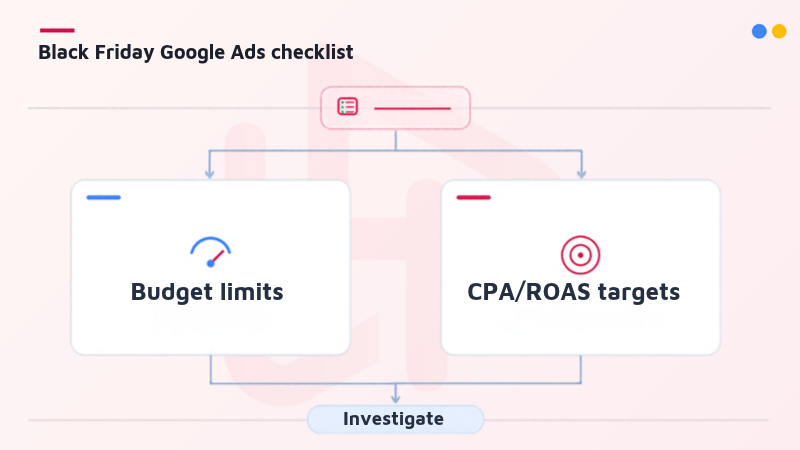
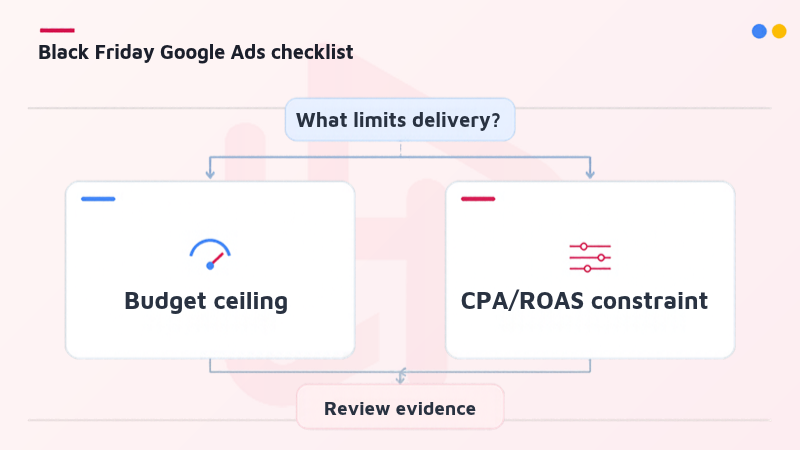
Start with Missed opportunity reporting. Google describes the report as a way to visualize potential growth constrained by budgets and bidding decisions across supported campaign types. An account may lose eligible volume because its daily budget limits delivery or because an aggressive target CPA or target ROAS reduces auction participation. The first task is to identify which constraint applies, not immediately raise both controls.
1.2. Prepare budgets for a concentrated demand window
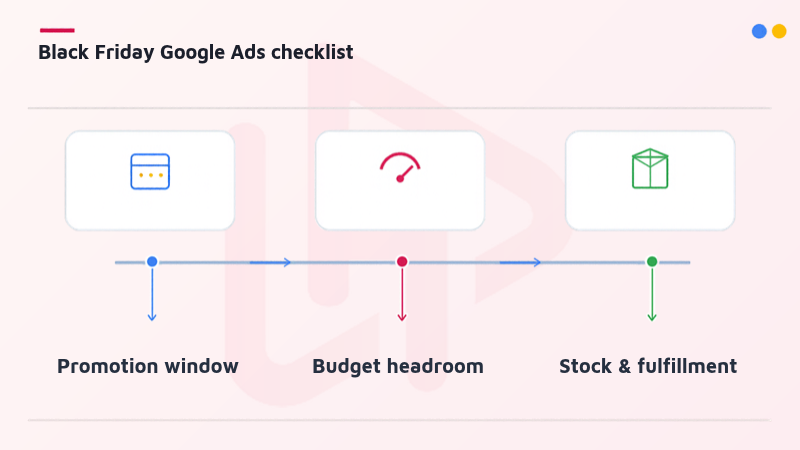
Black Friday demand may not follow an account’s normal weekly pacing. Map each promotional period to the products, available stock, country or region, spending limits, and fulfillment capacity. An additional budget allowance should be justified by conversion economics and operational readiness. Do not use a single blanket budget multiplier across campaigns with different margins or promotions.
1.3. Evaluate AI Max without conflating Search and Shopping
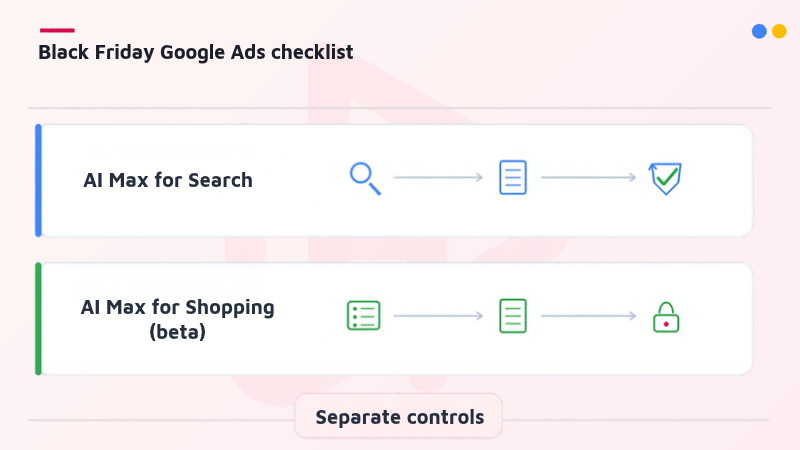
Google’s checklist groups AI Max for Search and Shopping under search coverage, but they are separate feature sets. Search focuses on matching and creative relevance within Search campaigns. Shopping uses product-feed information and remains documented as a beta offering. Neither activation replaces product quality, landing-page checks, or a well-measured business outcome.
Read more:
Google — Missed opportunity reporting
Google Ads Help — How AI Max for Search works
Google Ads Help — AI Max for Shopping (beta)
2. Diagnose the constraint before changing spend
Opportunity reports are most useful when an analyst turns a recommendation into a testable diagnosis. Separate limitations caused by media budget from those caused by efficiency targets, then evaluate whether the additional auctions would be commercially desirable. Historical impression-share diagnostics can provide context, but they are not interchangeable with the newer missed-opportunity report.
2.1. Distinguish a budget ceiling from a CPA or ROAS constraint
A budget-constrained campaign might be eligible for more relevant traffic but unable to enter auctions throughout the day. A stringent target ROAS or target CPA can restrict bidding even when money remains. Review the missed-opportunity signal alongside campaign pacing, target history, conversion volume, and Search lost impression share (budget), where applicable. Investigate changes in demand and conversion quality before deciding which lever deserves a controlled adjustment.
| Diagnostic signal | What it suggests | Check before acting | Conditional action |
|---|---|---|---|
| Budget-constrained delivery | Eligible demand may exceed spend capacity | Margin, stock, daily pacing and conversion value | Consider bounded budget headroom |
| Restrictive CPA or ROAS target | Efficiency goal may limit auction participation | Unit economics, target history and lead/order quality | Test a justified target adjustment |
| Limited query coverage | Relevant searches may not be matched | Search terms, assets, feed and landing URLs | Review eligible AI Max controls |
2.2. Treat modeled opportunities as scenarios, not booked profit
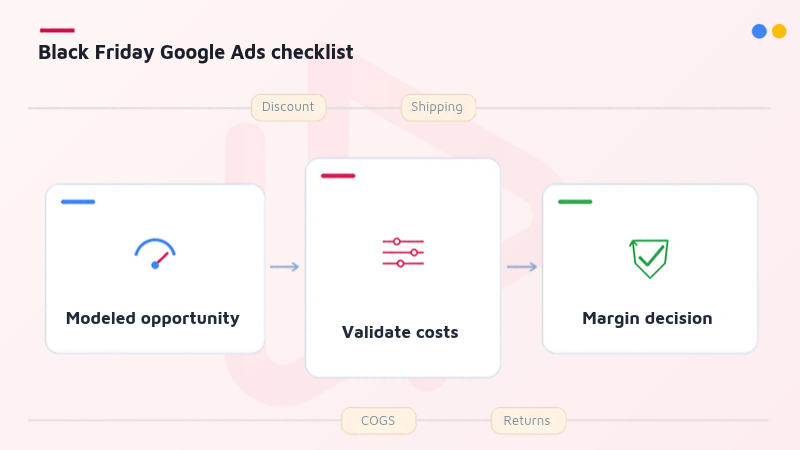
A report may estimate more conversions or value at another budget or bidding level. Those modeled opportunities do not establish incrementality, net profit, or guaranteed outcomes. Calculate whether an extra order remains worthwhile after discounts, cost of goods, shipping, returns, and fulfillment. When conversion values reflect gross sales, a high reported ROAS can still hide weak contribution margin.
H2T Media Group recommends recording the assumption behind each proposed change: the constraint, expected eligible demand, allowable cost, commercial margin, and a stopping rule. That prevents “available headroom” from becoming an automatic spending instruction.
Read more:
Google Ads Help — Get impression share data
3. Make Black Friday budgets match unit economics
Budget preparation is an operating decision as much as an advertising decision. A campaign can only benefit the business if the promoted offer is available, the destination converts accurately, and incremental orders are economically acceptable. Use the advertising data and the retail operations calendar together rather than treating an account recommendation as sufficient evidence.
3.1. Set promotion-aware budget guardrails
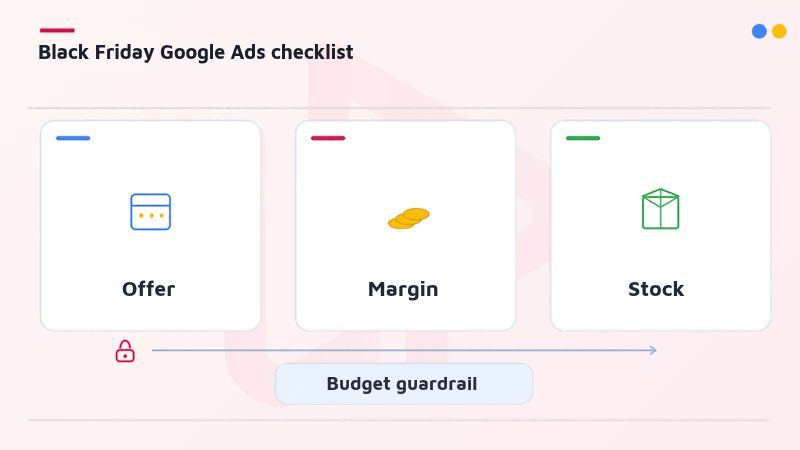
Segment the calendar by offer and inventory instead of scaling all campaigns equally. For each priority product group, document sale price, variable cost, promotion cost, stock, fulfillment limit, and acceptable acquisition cost. Review shared budgets and automated rules for accidental overspend during a short promotion. Increase capacity only where actual demand and margin support it, with an owner assigned to monitor the decision.
3.2. Protect conversion signals when demand becomes volatile
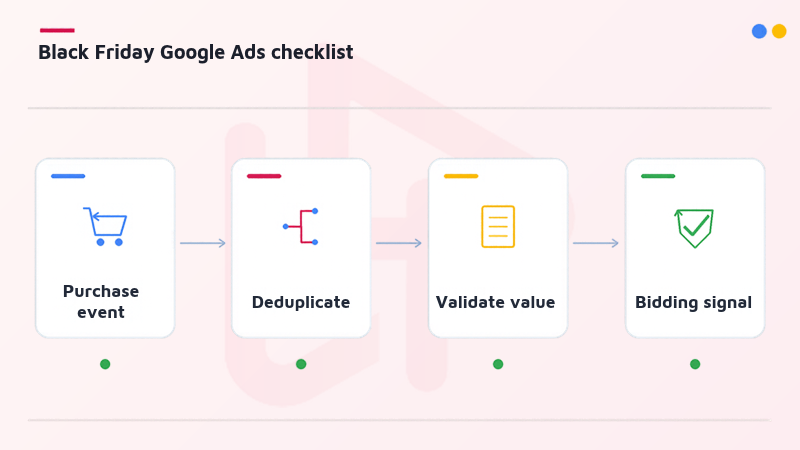
Verify purchase events, transaction deduplication, currency, value, refund treatment, and attribution settings before making a bidding change. If values are incomplete or materially delayed, Smart Bidding may optimize against an unreliable proxy for revenue. H2T Media Group’s Google Data Strength and Meridian analysis is a useful companion, separating measurement infrastructure from causal business outcomes.
Do not assume that higher traffic justifies rewriting every target during a four-day window. Preserve a change log, align reporting cutoffs, and avoid simultaneous edits that make performance shifts difficult to interpret.
4. Audit AI Max for Search and Shopping separately
“Use AI Max” is not a single implementation task. The campaign type determines which matching, asset, and URL features are available, how they operate, and what governance is required. For a retailer already reviewing AI-enabled campaign architecture, H2T Media Group’s Commerce Four retail analysis provides broader strategic context; this checklist is deliberately narrower and time-sensitive.
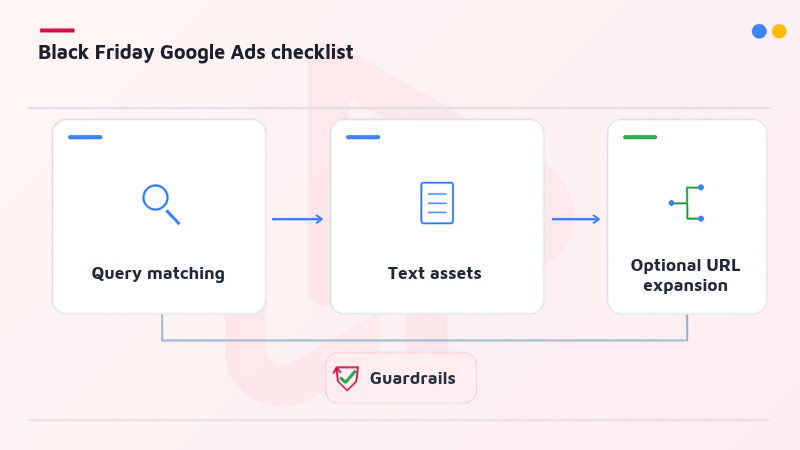
4.1. Search: query matching, creative and landing-page control
AI Max for Search includes search term matching and asset optimization, including text customization and optional Final URL expansion. These capabilities can help ads respond to relevant queries beyond manually selected keywords. Before expanding reach, review brand settings, URL inclusions/exclusions, landing-page accuracy, tracking templates, and the quality of search term reporting. Google also notes that AI Max can be less effective when a campaign is already limited by budget.
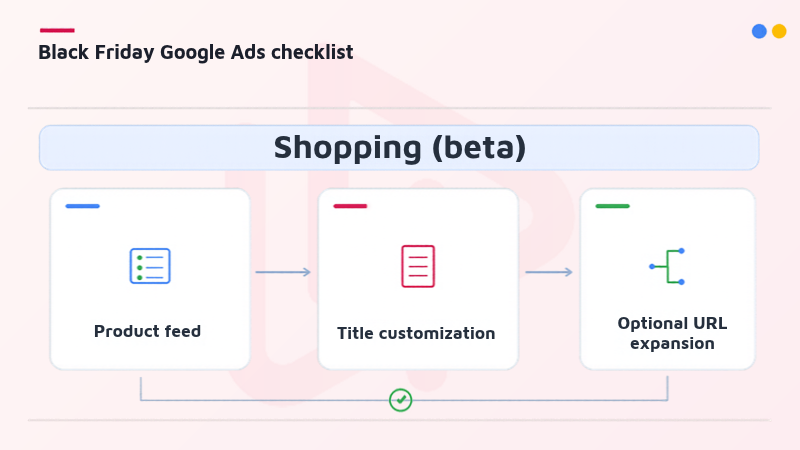
4.2. Shopping beta: product titles, feed data and eligible URLs
AI Max for Shopping (beta) can customize product titles using Merchant Center data. Optional Final URL expansion supports additional text-led retail formats and requires text customization to be enabled. Confirm whether the account has beta access before treating the feature as an available launch lever. Audit feed attributes, in-stock status, prices, and excluded destinations so that expanded content remains consistent with the live offer.
| Control area | AI Max for Search | AI Max for Shopping (beta) |
|---|---|---|
| Primary context | Existing Search campaigns | Eligible Shopping campaigns |
| Relevance mechanism | Search term matching and customized ad text | Feed-based product-title customization |
| Destination expansion | Optional Final URL expansion | Optional Final URL expansion for additional formats |
| Operational checks | Brand/URL controls, creatives, tracking | Beta availability, feed, products and URL exclusions |
Read more:
Google Ads Help — How AI Max for Search works
Google Ads Help — About AI Max for Shopping (beta)
5. Use a three-gate decision framework
H2T Media Group proposes three practical approval gates for peak-season account changes. This is an editorial operating framework, not an official Google product or named methodology. A proposed optimization should pass the relevant gates before the team changes budgets, efficiency targets, query matching or destination eligibility.
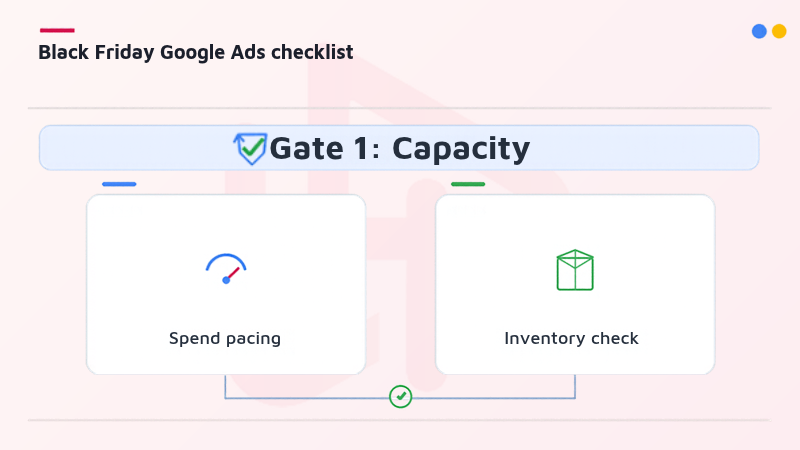
5.1. Gate one: Capacity
Is the campaign genuinely constrained by available media budget or pacing? Check the report, daily spend, auction context, and stock commitments. If capacity is not the binding constraint, allocating more budget may add no meaningful value.
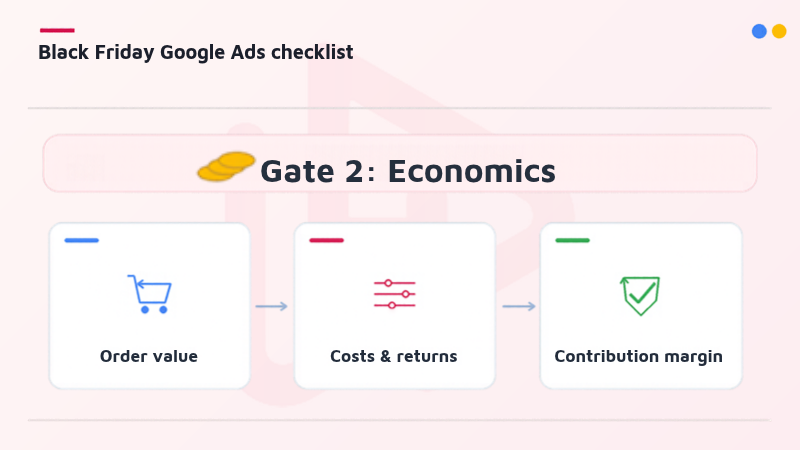
5.2. Gate two: Economics
Would an additional order still contribute acceptable margin? Review post-discount economics, target CPA or ROAS, measured value, returns, and fulfillment cost. Refuse changes that make dashboard growth look better while weakening business profitability.
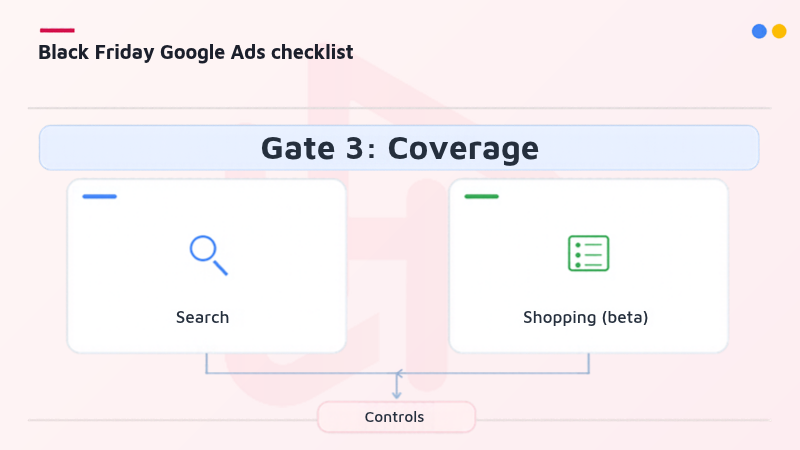
5.3. Gate three: Coverage
Can the account capture useful new searches without weakening brand, product, and destination controls? Review Search AI Max settings, Shopping beta availability, feed health, landing URLs, and the monitoring plan. Expand only where the underlying offer and measurement are reliable.
6. Run the final pre-flight checklist
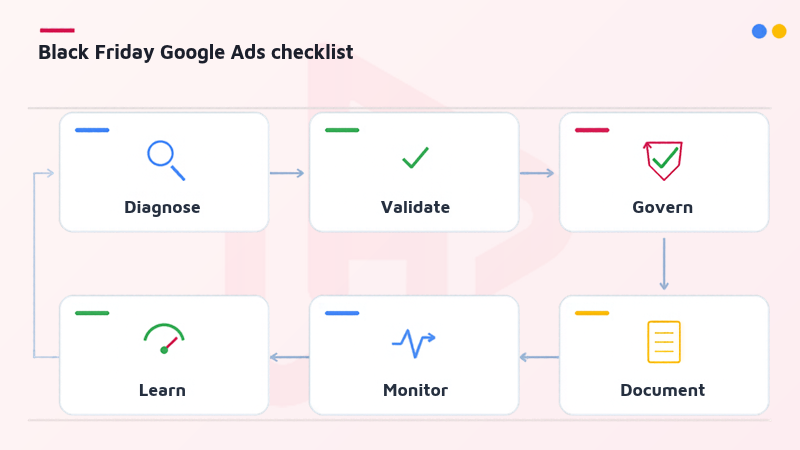
Before November 27, assign a responsible owner to each check and log the change decision. Keep the checklist lightweight enough to repeat during the promotion, but detailed enough that another analyst can understand why a setting changed.
- Diagnose: Identify budget, bid-target, and query-coverage constraints with supporting reports.
- Validate: Reconcile conversion values, promotions, marginal costs, stock and delivery capacity.
- Govern: Review AI Max brand settings, URL exclusions, feed data, and beta eligibility.
- Document: Note the proposed lever, owner, expected observation, and rollback threshold.
- Monitor: Track pacing, conversion quality, inventory, and landing-page integrity during peak demand.
- Learn: Compare actual post-promotion outcomes against the pre-flight assumptions without claiming causal lift from platform estimates.
7. Frequently asked questions
No. It offers modeled visibility into possible growth constrained by budgets or bidding. A commercial decision still requires evidence about margin, inventory, and incremental value.
No. Prioritize campaigns with documented demand, economic headroom, and enough stock. A blanket increase can direct spend toward low-margin orders.
No. Search focuses on matching and creative controls in Search campaigns; Shopping uses product-feed-based customization and remains described as a beta.
Not necessarily. Confirm account-level and market eligibility, feature availability, and the current setup requirements before planning around it.
Diagnose the binding constraint, verify unit economics and measurement, then test the smallest justified change with clear monitoring and rollback criteria.
Conclusion
The Black Friday Google Ads checklist is most useful when its three recommendations become one disciplined operating decision: confirm the constraint, validate the economic case, then expand only with adequate controls. H2T Media Group recommends saving this audit for the Black Friday–Cyber Monday window and reviewing outcomes before recycling the same settings next year.
Explore the Google Ads coverage in our Insights hub, connect with H2T Media Group on Facebook, and follow H2T Media Group on LinkedIn for further technical discussions.

bichthao
H2T Media Group decodes every meaningful platform update for advertisers and affiliate partners across APAC, EU and North America — always with a practical "H2T take" you can act on.
More about H2T →