

YouTube inline playback can show moving video while people browse Home or Search, so a thumbnail and title are only part of the viewer’s first impression. The opening hook should quickly fulfill the same promise, not mechanically repeat the title. This guide from H2T Media Group explains the difference between inline playback and previews, a three-part packaging framework, and a practical YouTube Studio audit.

Key Takeaways
YouTube inline playback can show videos before the click on supported Home and Search surfaces.
Essential facts about YouTube inline playback
- Availability varies by device, browsing surface and viewer settings.
- Three-second video previews are a separate feature.
- YouTube recommends meeting title and thumbnail expectations early, not repeating them verbatim.
- Use CTR and retention as diagnostic signals, not proof of autoplay’s impact.
1. How YouTube inline playback changes the browsing experience
A YouTube impression is not always a static thumbnail followed by a click. On some browsing surfaces, viewers can see moving video before opening its watch page. To interpret the creative implications correctly, teams first need to separate the two playback mechanisms YouTube documents and understand where they appear.
1.1. Inline playback versus 3-second video previews
The inline player allows viewers to watch while browsing YouTube. In the Home feed and search results, videos can begin playing muted with captions enabled. On supported interfaces, viewers may continue watching, seek within the video, or enable sound without first visiting the conventional watch page.
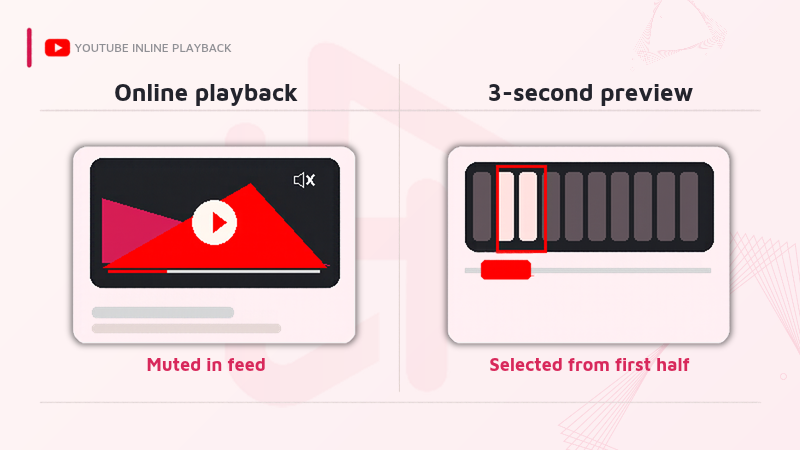
A separate feature, video previews, shows an automatically chosen three-second clip for eligible videos. Crucially, YouTube selects that clip from the first half of the video: it is not guaranteed to be seconds 0:00–0:03. The thumbnail reappears when the preview ends, and it still matters whenever a preview is not active.
Read more:
YouTube Help — Use the inline player
YouTube Help — Video previews
1.2. Where and when viewers may see video before clicking
YouTube documents browsing playback on mobile Home and Search surfaces and a desktop experience that depends on pointer or interface behavior. The precise presentation varies by platform, format, eligibility, and the viewer’s settings. On mobile, Playback in feeds can be configured for always on, Wi-Fi only, or off.
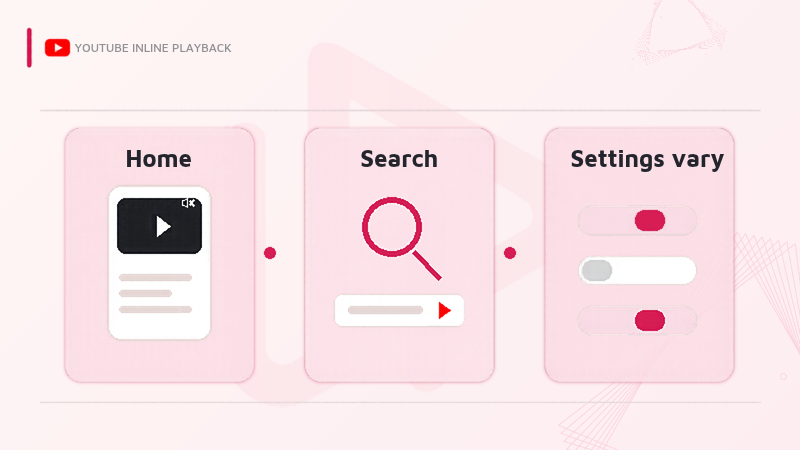
This changes the creative question from “Will the thumbnail earn a click?” to “Does every visible element communicate the same value?” It does not mean everyone watches an identical autoplay sequence, nor does it establish a new launch or new rule for how YouTube counts views.
Read more:
YouTube Help — Use the inline player
YouTube Help — Inline player on desktop
2. The three-part promise behind effective YouTube video packaging
YouTube’s creator guidance treats titles and thumbnails as tools for communicating value and setting expectations. It also recommends that the opening quickly delivers on that expectation. H2T Media Group turns these principles into a production checklist called the three-part promise: one audience benefit expressed consistently through three different creative assets.
2.1. Thumbnail: Set one precise expectation
A useful thumbnail makes the outcome recognizable at a glance. It might show a before-and-after demonstration, an object central to the tutorial, or a question the video can answer. The goal is not to cram the whole argument into a few words; it is to establish one honest, specific reason to pay attention.
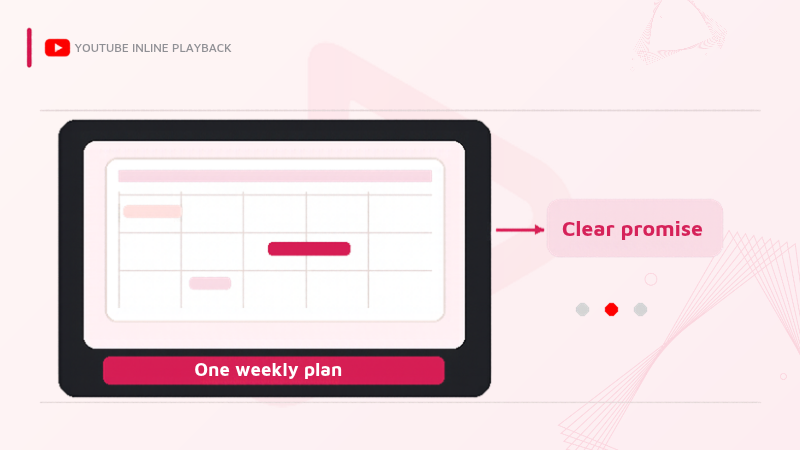
For example, a productivity tutorial could promise “Build a weekly plan in 10 minutes.” If the video actually covers a longer strategic planning process, that promise would be too narrow or misleading. A more accurate visual claim is more valuable than a dramatic one the video cannot fulfill.
2.2. Title: Clarify the promise without clickbait
The title supplies context the image cannot. It can name the audience, method, condition, or limitation. Pair a thumbnail that says “One weekly plan” with a title like “How to build a realistic weekly plan in 10 minutes” to set clear expectations. If the method takes longer for beginners, qualify that in the content rather than implying a universal result.
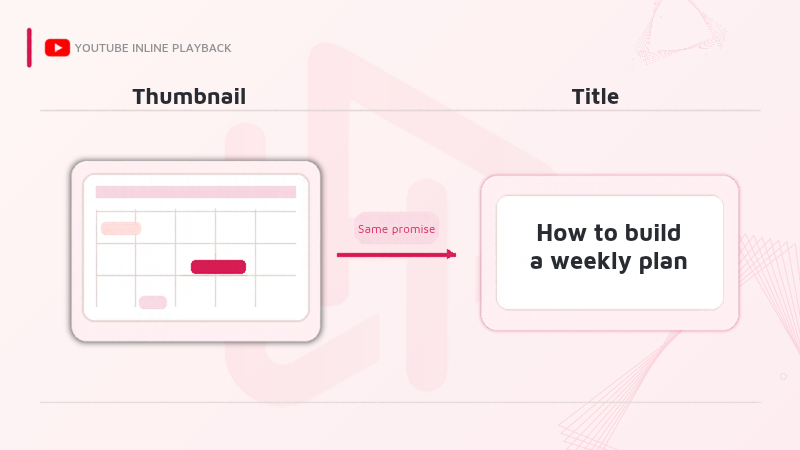
The title and thumbnail do not need to repeat each other word for word. They need to converge on a single audience-facing value proposition. YouTube explicitly warns creators to focus on expectations and the experience that follows rather than relying on clickbait to attract short-lived attention.
Read more:
YouTube Help — Understand content performance and recommendations
YouTube Help — Impressions and click-through-rate FAQ
2.3. Opening hook: Confirm the promise and begin delivering
The opening scene is a bridge between the package and the video itself. For the weekly-plan example, show the finished weekly board or say “Here is the 10-minute planning method” while starting the actual process. A long branded introduction, unrelated montage, or vague “Today we are going to discuss…” can delay that connection.
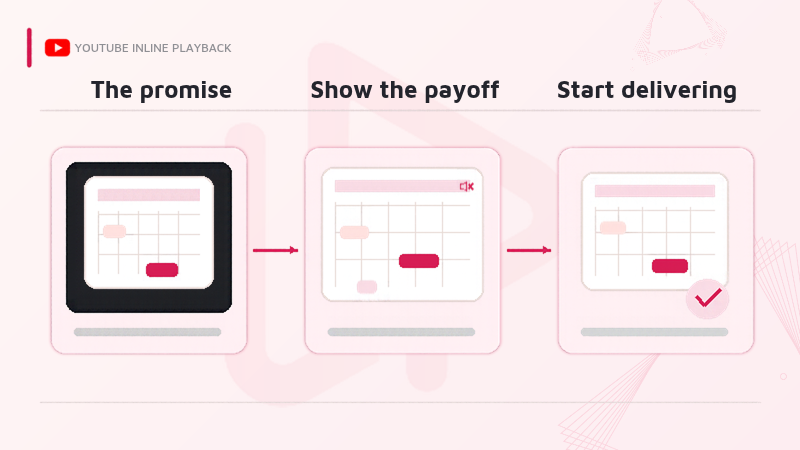
For muted browsing, the first visible action, on-screen text, and captions should be intelligible without relying on voice alone. Identical wording is optional: a demonstration can deliver the same promise more clearly than a repeated sentence. A five-second creative checkpoint can help editors review the handoff, but it is not an official YouTube requirement.
Read more:
YouTube Help — Understand content performance and recommendations
3. How to audit the first 30 seconds using YouTube Studio
A strong opening is a hypothesis until it is tested against actual viewing behavior. YouTube Studio provides several complementary signals, but no single metric proves that inline playback caused a click or a drop-off. Analyze the packaging and the opening as one creative system, then compare videos with similar topics, audiences, and traffic conditions.
3.1. Read CTR, intro retention, and average view duration together
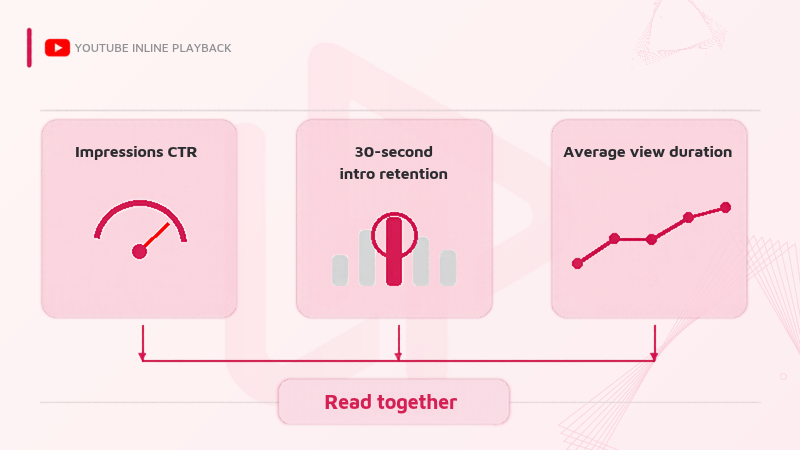
Impressions click-through rate (CTR) indicates how often an impression leads to viewing, according to YouTube’s defined measurement. Intro retention shows the percentage of viewers still watching after 30 seconds. Average view duration adds context about how long viewers continue watching. Compare these indicators instead of treating any one as a verdict on the thumbnail or hook.
| Metric | Useful signal | What it cannot establish |
|---|---|---|
| Impressions CTR | Whether counted thumbnail impressions lead to views | That inline playback caused any change |
| 30-second intro retention | Share of viewers remaining at 30 seconds | Why each viewer left or stayed |
| Average view duration | Average watch time per view in the selected scope | Whether a single opening scene drove the result |
A high CTR combined with weak early retention may warrant checking whether the packaging overpromises or the intro delays the payoff. A low CTR with stronger retention may suggest that the content satisfies those who choose it, while the package needs clearer positioning. Both are diagnostic hypotheses, not proof of causation. Check traffic source and audience mix before changing the edit.
Read more:
YouTube Help — Content tab analytics tips
YouTube Help — Measure key moments for audience retention
YouTube Help — Impressions and click-through-rate FAQ
3.2. Test openings without changing the underlying promise
Create a simple review sheet with columns for thumbnail promise, title promise, first visible action, first spoken line or caption, and the point where the promised value begins. Watch the opening silently, then with audio. Ask reviewers whether the same benefit is apparent in both passes. Record mismatches before selecting any alternate hook.
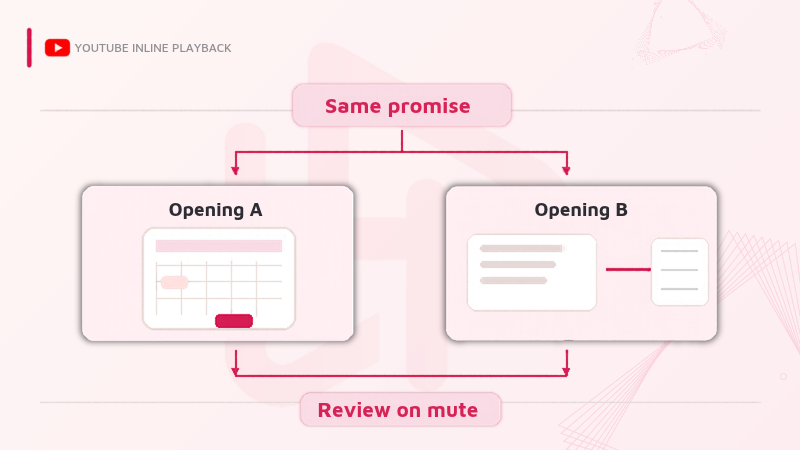
When testing a future upload, vary a specific element (such as an opening demonstration versus a spoken claim) while keeping the audience need and underlying promise consistent. Compare comparable videos or publishing conditions where possible. Do not rewrite a published video’s analytics history into a controlled experiment, and do not promise a universal CTR improvement.
- Write one promise in the production brief.
- Make the promise visible without sound.
- Deliver a useful example before extended context.
- Review performance only after enough comparable data accumulates.
4. What the strategy cannot guarantee
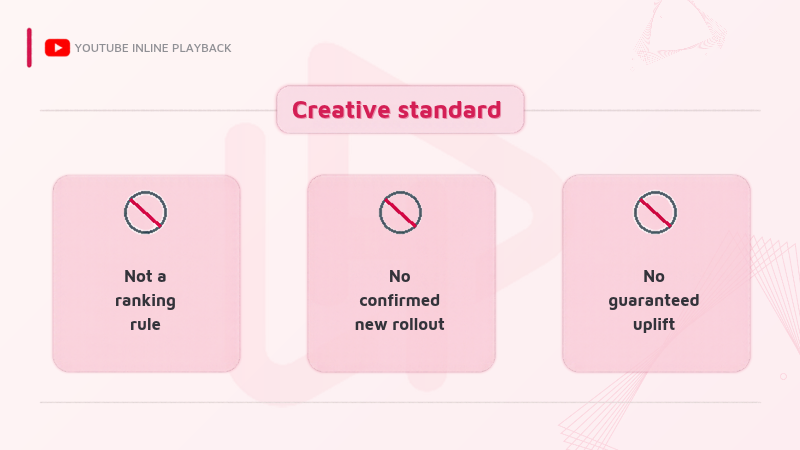
Matching thumbnail, title, and hook is a creative quality standard, not a hidden ranking factor, an official five-second formula, or evidence of a November 2026 feature launch. Some viewers disable playback in feeds; others see a separately selected preview clip. An opening optimized for a muted feed may still need different pacing for a tutorial, interview, or entertainment video.
The documented 3-second preview is not necessarily cut from the beginning, so fixing the first three seconds alone cannot control every preview a person sees. Nor do the referenced YouTube Help pages prove a particular increase in clicks, recommendations, or revenue. Preserve the truth of the video, review actual viewing conditions, and adjust creative decisions to your channel data.
If the audit moves from creative quality into broader performance reporting, separate that work from the packaging question. For a related but distinct measurement discussion, see the H2T Media Group article on YouTube engaged views strategy.
Read more:
YouTube Help — Video previews
YouTube Help — Understand content performance and recommendations
5. Frequently asked questions
No. Inline playback is viewing a video while browsing Home or Search. Autoplaying the next video concerns playback after a video you are already watching.
No. YouTube automatically selects a clip from the first half of an eligible video. It may not begin at 0:00.
No. YouTube advises creators to deliver on the expectation set by the package early, but it does not mandate exact wording or a fixed five-second cutoff.
Yes, on supported mobile interfaces, the Playback in feeds setting can be switched off, or restricted to Wi-Fi. Available controls may vary by platform.
It may improve clarity, but a specific CTR lift is not guaranteed. Evaluate CTR alongside early retention, average view duration, traffic sources, and audience context.
Conclusion
YouTube inline playback reminds creative teams that the value proposition should survive the transition from static packaging to moving footage. Before publishing, align the thumbnail, title, and opening hook around one truthful benefit; check the opening muted; and use Studio data to refine the next production decision rather than assuming a guaranteed performance lift.
For further YouTube strategy analysis, explore YouTube coverage in the H2T Media Group Insights hub and connect with H2T Media Group on Facebook or H2T Media Group on LinkedIn for ongoing updates from H2T Media Group.

bichthao
H2T Media Group decodes every meaningful platform update for advertisers and affiliate partners across APAC, EU and North America — always with a practical "H2T take" you can act on.
More about H2T →